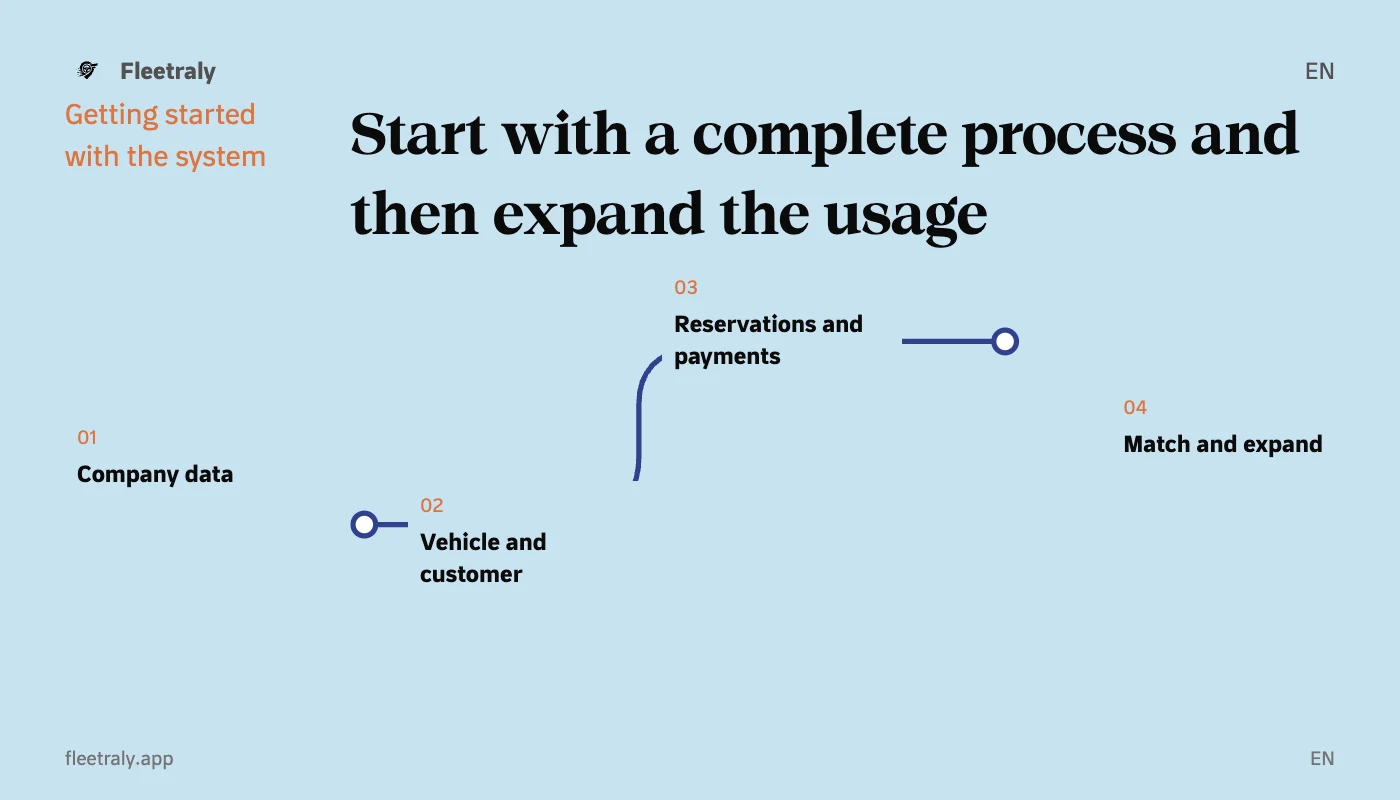
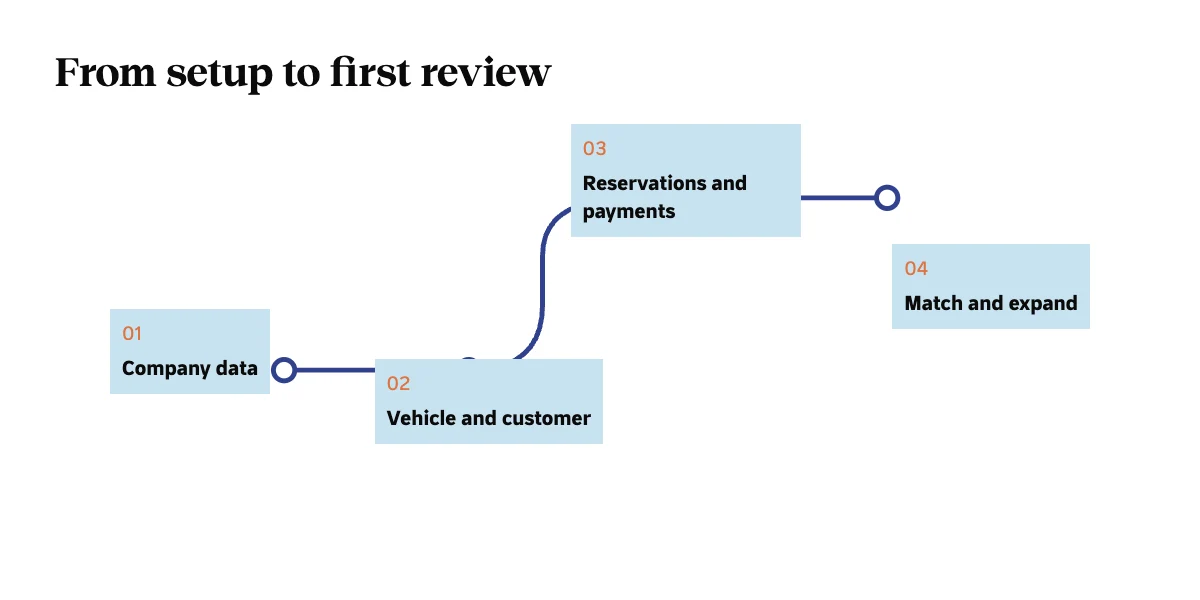
Getting started with car rental management software doesn't require that you transfer all the files before you understand how your team will work. A useful start is a small scope that you can review from beginning to end: correct company, vehicle and customer data, then a reservation with its dates, values, and follow-up steps.
Decide what you want to test first
Choose an operational question you want the system to answer: Can I know availability? Does the employee understand the reservation balance? Is it possible to follow the process from another colleague's account? A specific question helps you evaluate the workflow instead of just navigating between screens.
Start with company and branch data
Review the company's name, contact information, address, basic settings, and the branches you will work on. In Fleetraly, the appearance of the first booking path is linked to the presence of necessary company data, qualified vehicles and customers, and access permission. So fulfill the actual requirements instead of trying to jump straight to a final conclusion.
Have a verifiable vehicle and agent ready
| Record | What do you review before continuing? |
|---|---|
| The vehicle | Identity, branch, status, price and counter. |
| Client | Name, contact information and required information, along with reviewing any previous record. |
| Period | Receipt and return dates, locations, and availability. |
| Value | Correct pricing, add-ons, discounts and payments. |
Use information you can verify, and do not fill in operational data by guessing to get the form completed. If you're testing data that doesn't relate to an actual business, use the approved test environment rather than mixing it with real company records.
See the complete booking cycle
- Select the correct vehicle, customer and period and check availability.
- Review the booking conditions and price terms before saving.
- Record the payments that actually occurred within the correct procedure.
- Open your reservation and check the date, amount, remaining amount and rental invoice.
In Fleetraly, the value you're testing is the interconnectedness of this information within a workflow. It is not enough for the record addition to succeed; You must know where the employee can return to amend the information, review the reason for the payment, or follow up on the next action.
Have a colleague review the process from their account
After defining the appropriate role and branches, ask the team member to access the process and explain what they need to follow up on. Use this review to discover missing information and clarify responsibility. Don't give wider access than necessary just to shorten setup time.
Expand usage after matching
- Match a sample of dates and amounts to the reference you are relying on.
- Determine where new transactions will be recorded and who will review discrepancies.
- Review the available input or import formats before planning to transfer entire files.
- Maintain a clear reference to previous records so that copies are not created that change without conforming.
Don't determine the success of your transition solely by the number of records you enter. Review the team's ability to carry out the task, complete it, and return to its data with confidence. An old file may remain a reference for archiving or analysis when its purpose is specific.
Your first step into Fleetraly
Create your company account, complete its basic details, then prepare a working vehicle and customer and review the first booking under your authority and the status of your account. Start with a process you know the details of so you can judge fit, then expand the setup to what your team really needs.
Links to help you get started
Gradual transition from Excel to the rental system