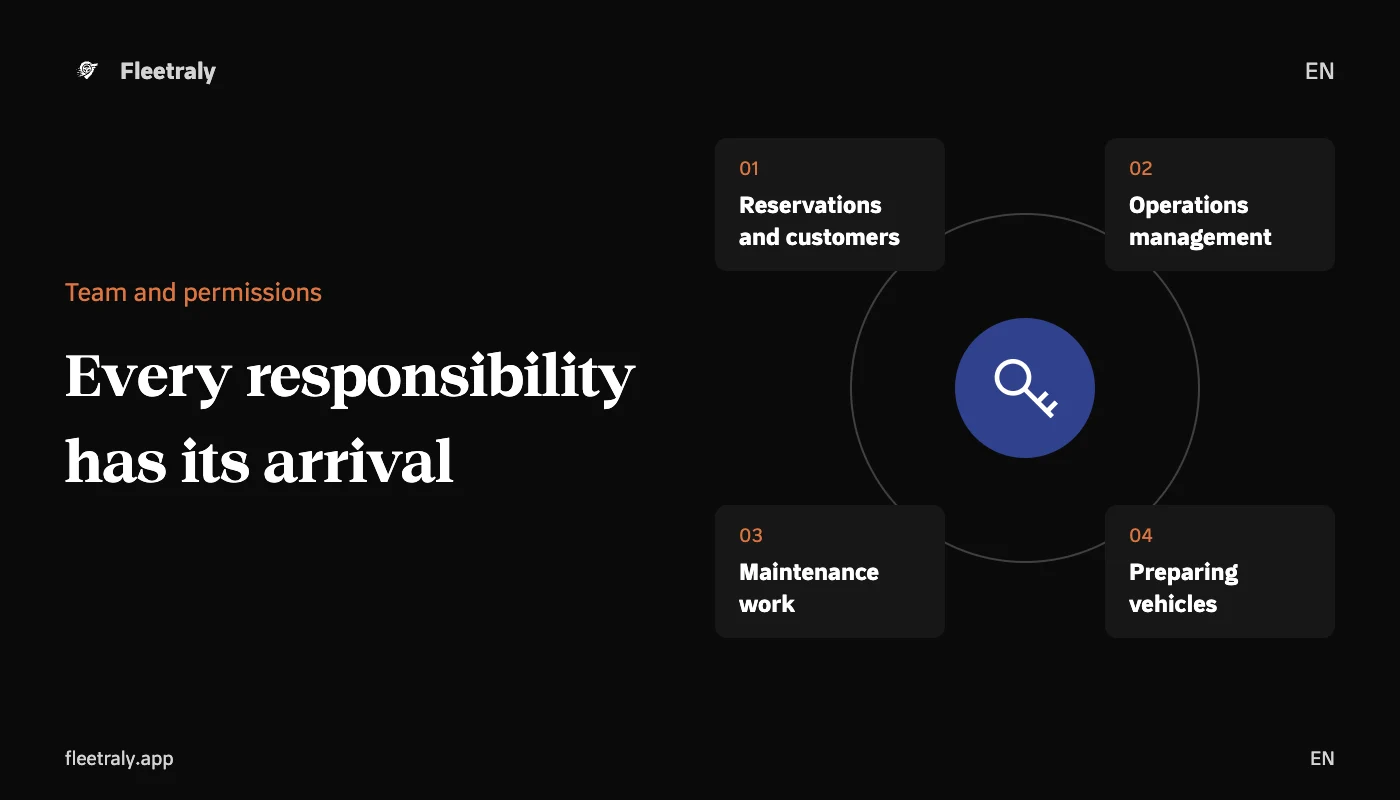
The permissions of the car rental office staff help the company clearly distribute work: who follows up on the reservation, who manages the vehicles, and who carries out maintenance or vehicle preparation? When everyone shares one account or gets unnecessarily broad access, it's difficult to attribute action to accountability and review what each employee really needs.
Start with the responsibility before the role name
Write down the tasks that the employee undertakes during his day, then choose the role that is closest to it. Do not make the job title alone the basis of the decision; A receptionist in a branch may need reservations and customers, while his colleague handles broader fleet and branch management work.
What roles are available at Fleetraly?
| The role | The scope of work described in the system |
|---|---|
| Reservations agent | Bookings, inspections, customers and receipts, with fleet view and reports. |
| Manager | Vehicles, branches, transportation, service, reservations, customers and payments. |
| Maintenance technician | The service work assigned to him, starting the work and sending the completion for the manager's approval. |
| Vehicle preparation staff | Preparing the vehicles assigned to him, starting preparations and confirming readiness. |
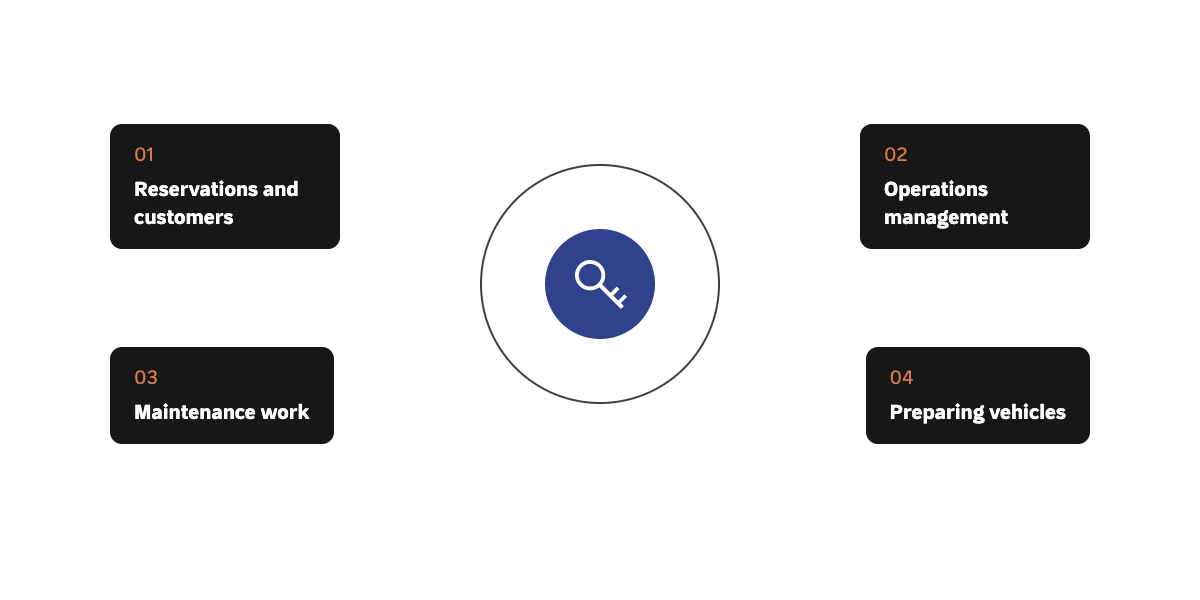
These roles describe the distribution of access within the product, and do not replace the administrative procedure your company follows. Review what a member can actually do within company, branch, and access status settings, and maintain a separate account for each member.
The role alone does not answer the question: Which branch?
In Fleetraly a team member can have access to all branches or to specific branches. So review the role and scope together. An employee who needs reservations may not need data for all company branches, and a branch manager whose responsibilities may differ from the company-level operating officer.
Shared reservations and transfers are available based on branch-permitted rules, and some company tools require access to all branches. Test the statuses associated with two branches before approving the scope, so the team understands what can be tracked and what needs another administrator.
Checklist before sending the invitation
- The mail belongs to the intended person and they can use it to accept the invitation.
- The role matches the required tasks without unnecessary expansion.
- The specific branches are effective and suitable for the employee's workplace.
- The employee knows what to follow up on and what to escalate to the official.
When do you review access?
- When an employee's role changes or moves to another branch.
- When assigning maintenance or vehicle preparation work to a new member.
- When a team member leaves or no longer needs access.
- After discovering that an important action depends on one person's account.
Don't make granting broader permission an automatic solution to every access problem. First review the role, branch, assigned work, and account status. Diagnosing the cause maintains an understandable distribution of responsibilities and reduces the opening of permissions that are difficult to interpret later.
Start with an action that can be handed off to a colleague
Once your company is set up in Fleetraly, select a member, clear mission, role, and branch scope, then send the invitation from the owner's account according to the available workflow. Review with the member his ability to continue his mission with his independent account. The benefit you experience is business continuity with clarity of who owns each step.
Links to help you get started
Advantages of Fleetraly for organizing team work
Organizing vehicles and transportation movements between branches