Car rental pricing by the day, week or 30 days does not depend on the name of the package alone. The price that the customer needs is the result of the period, the calculation method, and the items it includes, while the company owner needs an offer that the employee can interpret and re-review when amended.
Start with the exact period and unit of account
Review the pick-up and return date and time, then check how the duration is calculated in your settings. Do not use a manually typed number of nights or date difference instead of the process result. Hourly differences may affect rental units depending on the calculation method applied.
How do packages work on Fleetraly?
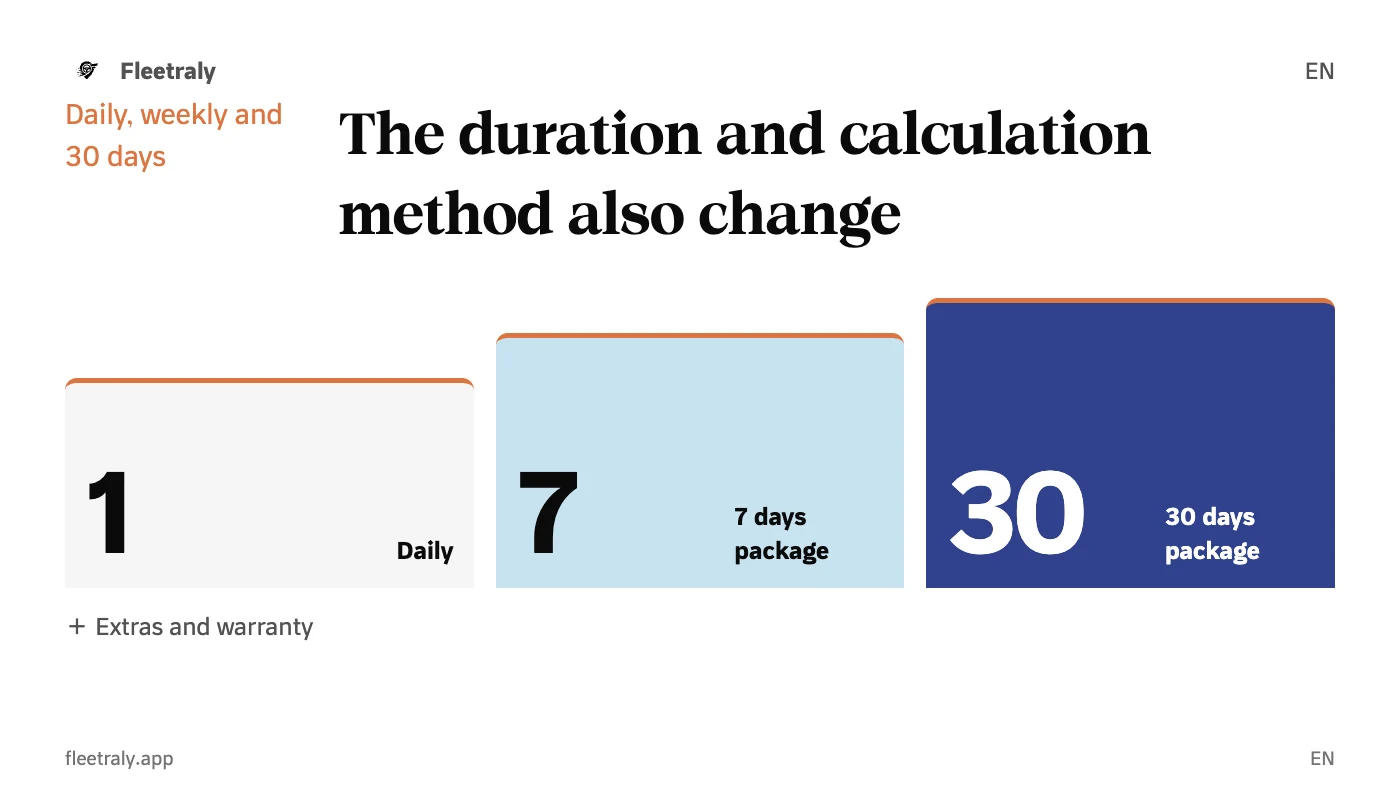
Daily rental pricing supports daily, weekly, and 30-day package methods, with an automated method that compares available configurations by settings. The weekly package is tied to 7 days, and the 30-day package is not necessarily a calendar month. Activating the prices and providing the required period are two conditions to benefit from the package options.
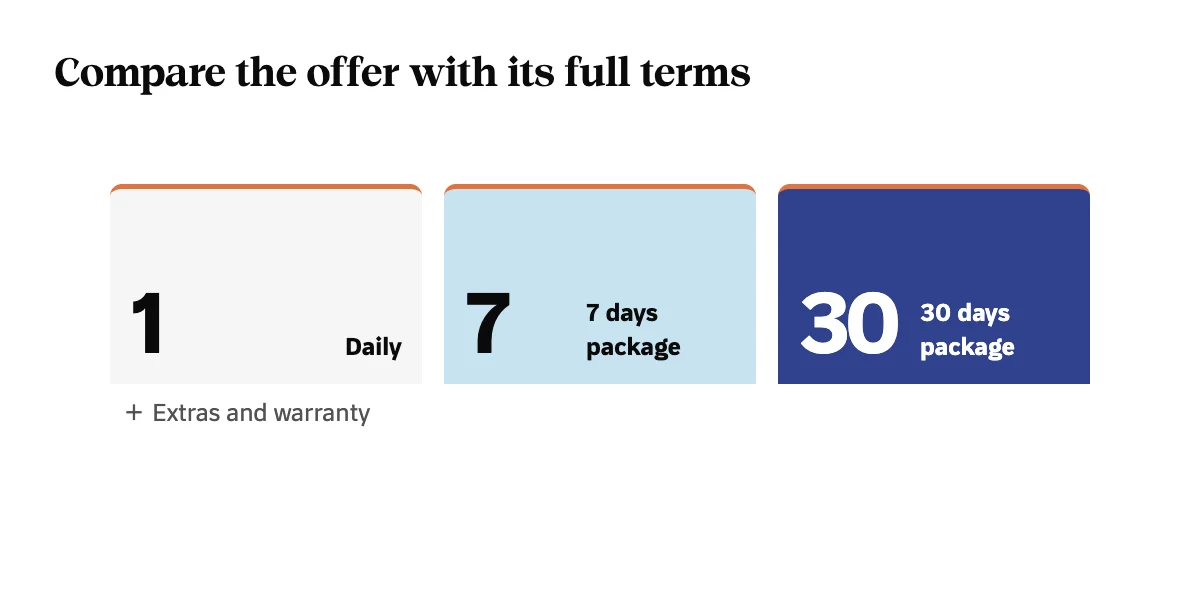
| Option | What are you reviewing? |
|---|---|
| Daily | The number of rental units and the approved daily price. |
| Weekly | The price of the 7-day package and how the remaining days are calculated. |
| 30 days | The price of the package, the length of the period, and the days outside it. |
| Automatic | Available packages and the configuration that results from the comparison. |
The remaining days may explain the display difference
A period of more than a week does not mean that all its days will take a weekly price divided by 7. The offer may consist of a package and the remaining daily days according to the chosen method. Therefore, review the calculation terms instead of dividing the package amount by days and presenting the result as a fixed price for each period.
In Fleetraly, manual selection of a package method uses that package with the rest of the daily days, while the automatic method compares the allowed configurations. Review the details before agreeing, especially when changing the period from a short reservation to a longer period.
Do not compare the rent amount without other items
- Review the additions and whether they are linked to a period or a fixed amount according to their preparation.
- Check the discount and offer terms it applies to.
- Separate the security amount from the rental value when explaining what is required to the client.
- Check the distance and terms associated with the offer before sending it.
One review before price is approved
- Enter the correct vehicle and period.
- Review available pricing methods and account terms.
- Check the current additions, discounts and dues.
- Adopt the offer and review it again when the period or conditions change.
Don't automatically confuse a lower price for the customer with a better business decision. Evaluating a pricing policy needs to know your company's costs, market demand, and ability to operate the fleet; As for comparing packages within the reservation, its purpose is to apply your settings in a clear way.
Start with a presentation that you can explain from the record
Prepare your vehicles and their prices in Fleetraly, then review the different periods and calculation methods available before sharing an actual offer. The benefit you experience is that the employee and owner access the same detail of the reservation, rather than relying on separate accounts in conversations.
Links to help you get started
What is the impact of extending the reservation on availability and amount?