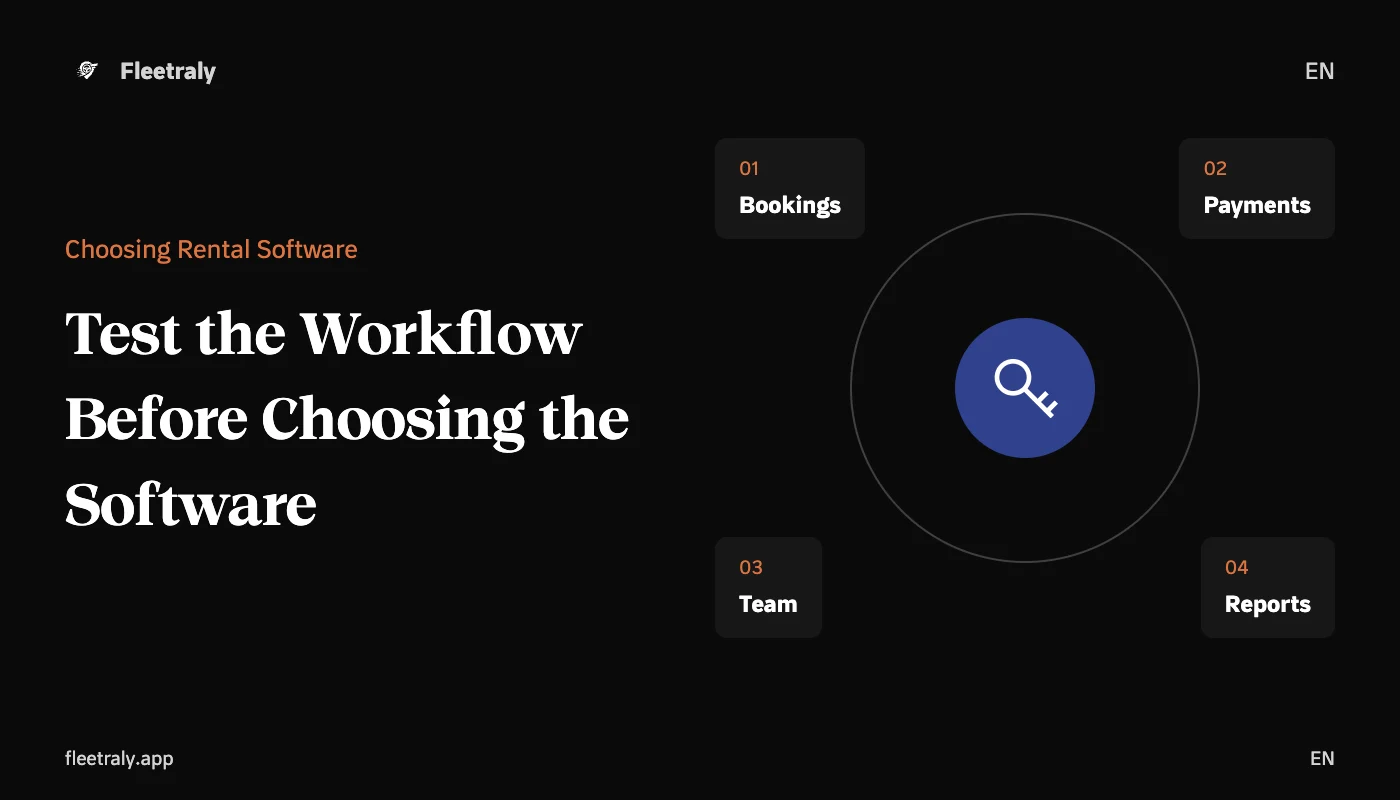
Choosing car rental management software starts with your office's workflow: How do you receive a booking, who confirms it, how do you know the car is ready, and where do you record payments and notes? When the software clearly answers these questions, evaluating it becomes easier than comparing long lists of features.
In this guide, you will find a practical way to identify your needs, test the system in daily situations, and review the cost, support, and accessibility of your data. The goal is to choose a tool that suits your team today and whose suitability you can assess as your business expands.
Start by mapping your office's workflow
Document what happens between the first customer inquiry and the closing of the rental process. Don't start with screen names; start with the information the employee needs at each step. For example: pickup and return times, requested vehicle, booking confirmation status, and the amount paid and remaining.
Request sources: call, WhatsApp, office visit, or website request.
Follow-up responsibility: Who checks availability, who confirms the booking, and who delivers the car?
Vehicle status: available, rented, being prepared or under maintenance according to the approved procedure.
End of process: return inspection, odometer and fuel update, and documentation of any amounts or notes.
Next, identify what is repetitive or causes delays. If the team daily searches for the latest booking modification, then clear dates and a change log are more important than an extra feature rarely used. And if there are multiple branches, knowing the vehicle's location and its delivery path becomes an essential part of the test.
What are the essential criteria for choosing car rental software?
Criterion | What do you test in practice? |
|---|---|
Bookings and Availability | Display bookings for one vehicle, then try an overlapping booking and a rental extension. |
Vehicles and Maintenance | Check the clarity of the car's status and the ability to know its associated maintenance. |
Delivery and Pickup | Try recording the odometer, fuel, notes, and photos according to the office's needs. |
Payments and Reports | Track a partial payment and a remaining amount, and examine the meaning of the displayed numbers. |
Team and Permissions | Test what each role can view and modify, and what appears in the change log. |
Usage and Support | Perform tasks from phone and computer, and ask about training and contacting support. |
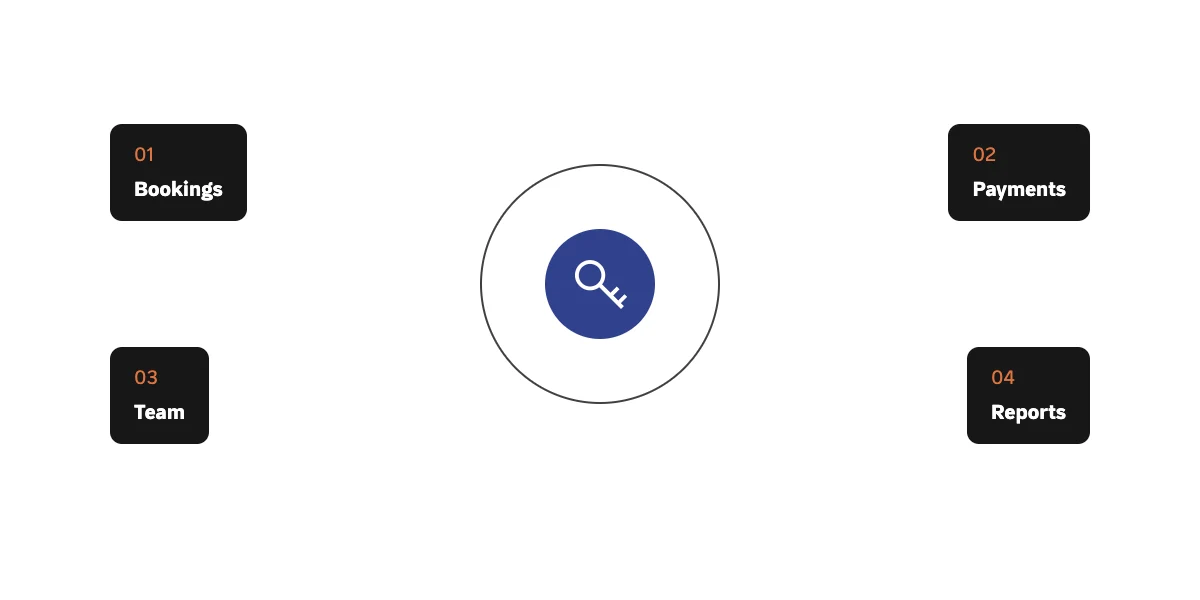
Test a complete booking journey before subscribing
Request a demo using test data close to your office's reality. Illustrative example: A car has a confirmed booking for Thursday morning, and another customer requests to extend their rental until noon on the same day. You should know where the conflict appears, who decides the appropriate action, and how the correct schedule remains clear to the team.
Create a vehicle and a customer with test data, then record a booking with specific pickup and return times.
Try changing the dates or vehicle, and examine the effect of the modification on availability and the amount.
Record a partial payment, then review the paid and remaining amounts in a clear location.
Complete the available delivery and return steps, and test reviewing the process details.
Ask another employee to perform the same task; observe the questions and steps that require explanation.
Record test results instead of relying on first impressions. A beautiful screen is not enough if an employee needs to re-enter information in more than one place, and a multitude of settings does not necessarily mean the system suits your office's nature.
Review team permissions and data access
Determine who needs to view data, and who needs to modify a booking or record a payment. Ask how accounts are managed when an employee joins or leaves, and how important changes can be tracked. Test these points with test accounts in different roles instead of relying on a verbal explanation.
Also ask about the data you can export, the available formats, the backup and restore mechanism, and what happens when the subscription ends. The presence of a report on the screen does not prove that all data is exportable; request a sample that clarifies the actual scope.
Compare full cost and terms of service
Compare software offers on a single scope: number of vehicles, branches, and users, and any fees for setup, data migration, or additional services. Separate the basic subscription from optional services, and ask about usage limits and renewal and cancellation policies.
Also include training time and data preparation in the comparison. If you are migrating from scattered files, you will need to review the data before entering it, regardless of the software you choose. Ask for clarification on what support includes, its availability times, and how to handle a business-critical issue.
Where does Fleetraly fit in this comparison?
You can learn about Fleet and Booking Management in Fleetraly, then use the previous list of criteria to assess its suitability for your business. And review Platform Features with the tasks your team actually needs, instead of trying to adopt every feature from day one.
Frequently Asked Questions Before Choosing the Software
Does the number of cars alone determine the right software?
No. The number of employees and branches, the frequency of booking modifications, and the method of tracking payments can make operations more complex even with a small fleet. Assess the required coordination volume alongside the number of vehicles.
Do I need to migrate all old data immediately?
Start by identifying the data essential for operation: vehicles, customers, existing bookings, and open amounts. Then agree on a plan for the rest of the records, after confirming the migration formats supported by the chosen system.
What is the best question to ask during the demo?
Ask to execute a realistic scenario that causes difficulty for your team, from start to finish, then ask how changes are managed and who can implement them. This experience reveals practical suitability more than a feature showcase alone.
Prepare an example from your office's workflow, then request a Fleetraly demo to evaluate it against the criteria that matter to your team.