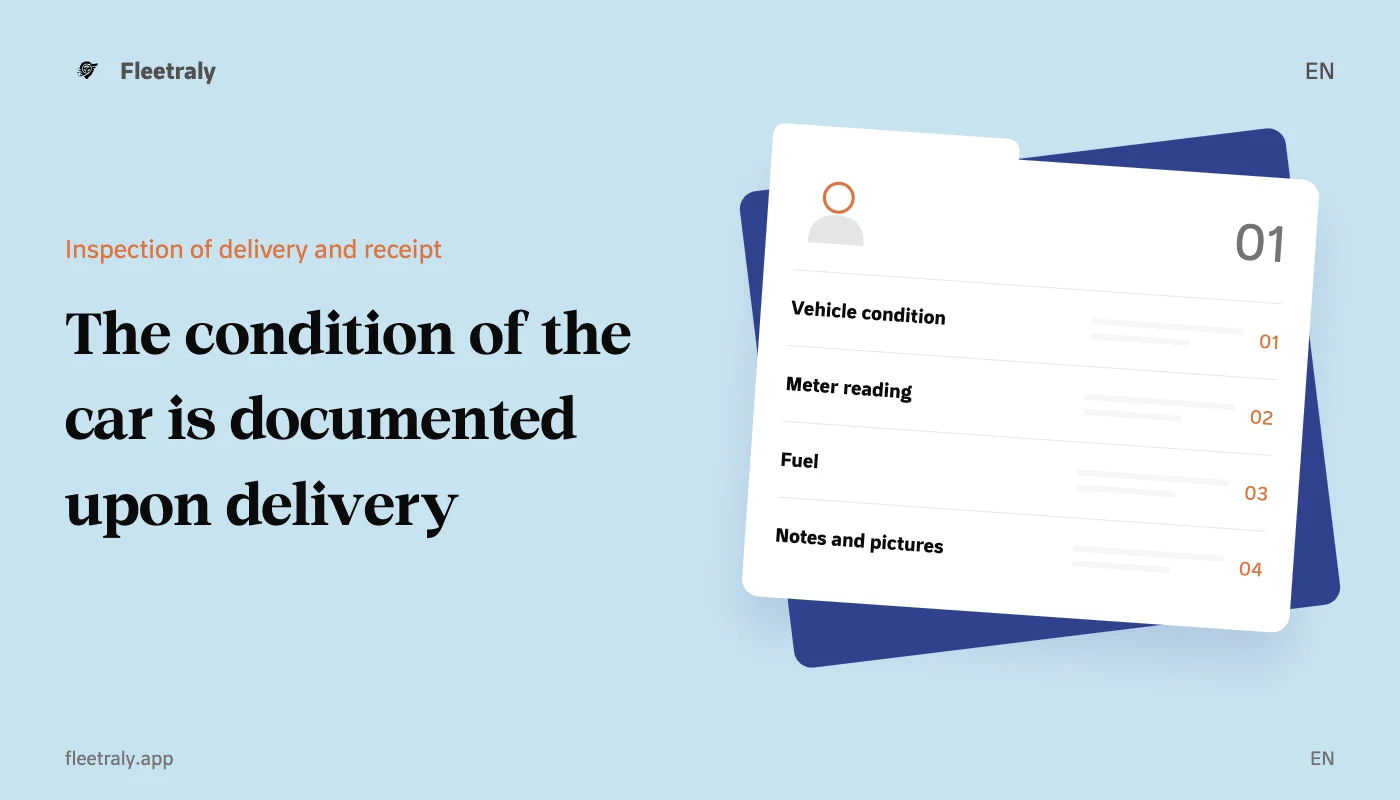
The vehicle inspection form upon delivery and pickup is a structured record of the condition of the vehicle at two specific moments: before the start of the rental and upon return. To be useful, it should link the reservation number, vehicle, time, meter reading, fuel, notes and photos, and make it easy to compare the two situations.
Pictures alone do not always answer all questions, and the phrase “car is in good condition” does not describe its details. It is better to combine clear fields and images related to the vehicle and process, with an accurate description of any observation, rather than relying on the memory of the employee or customer.
What is the basic data in the delivery and receipt form?
Section | Suggested fields |
|---|---|
Operation reference | Reservation or contract number, and inspection type: delivery or return. |
Definition of vehicle | Internal ID, plate if present, make and model. |
Time and place | Date, time of inspection, and location of delivery or return. |
concerned persons | Name of employee and customer or driver reference associated with the transaction. |
Meter and fuel | Unit meter reading, fuel or charge level according to the type of vehicle. |
Status and notes | Description of body, glass, tires, cabin and accessories. |
Documentation | General and detailed photos, reviewing notes and acknowledging inspection according to the approved procedure. |
Use the same field names and units of measurement in the delivery check and return check. If fuel is recorded on delivery as a percentage, and then on return with a general description such as “little”, the comparison becomes more difficult even if two images are available.
Practical checklist before handing over the rental car
Body, glass and tires
Check the sides of the car, the front and rear, then the mirrors, glass, rims and tires. When there is a note, specify the part, destination, and type instead of writing a general description. Illustrative example: “A visible scratch on the right rear door, shown in the detailed photo.”
Cabin and accessories
Review the condition of the seats, interior trim, cleanliness, and accessories delivered with the vehicle. Record your keys and any agreed-upon extra vehicle preparation, such as a child seat or charging cable, so you have a list you can refer to when making a return.
Meter, fuel or charging
Write the meter reading in the unit used, and record the fuel or charge level using the method approved by the office. Attach a clear photo of the instrument panel when available within the inspection procedure, and check that the written reading matches the photo before finalizing the log.
How do you depict the car in a way that helps with comparison?
Start with general pictures that show the different sides, then take a closer picture of each observation that needs detailing. Use appropriate light, and make sure the image is stable and the intended part is clear. If a particular angle is not clear due to lighting or dirt, record this and reshoot when inspection is possible.
Front photo and back photo showing general condition.
Two photos of the left and right sides, with additional angles where needed.
An image of the meter and fuel or charge without a reflection obscuring the reading.
Photo of the cabin and accessories associated with the delivery process.
A general photo of the location of the note and a closer photo that shows it within its context.
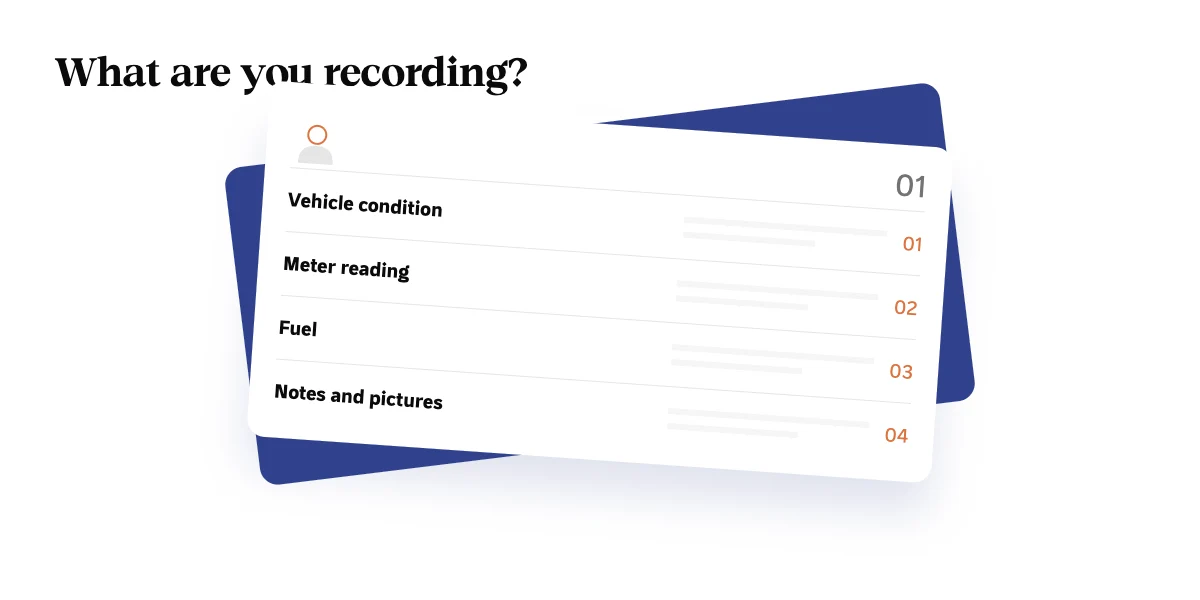
Capture only what is needed to document the vehicle, and avoid showing faces or personal documents that are not needed in the photos. Save the images in a dedicated log or in a place where access is managed, rather than distributing them in conversations that are difficult to link to a reservation later.
Sample fields that you can copy into your office procedure
field | Value or observation |
|---|---|
Booking reference/contract | ________________ |
Vehicle/ID/Plate | ________________ |
Scan type/date/hour | ________________ |
Meter reading and its unit | ________________ |
Fuel or charge level | ________________ |
External notes and their locations | ________________ |
Cabin condition, accessories and keys | ________________ |
Image references and associated notes | ________________ |
Employee and customer review feedback | ________________ |
This is a proposed operational template for organizing the examination. Link it to your booking history and office procedures, and identify fields that cannot terminate the scan before being reviewed. Do not leave the blank field as possible for two different meanings: “not checked” and “no note”.
What do you check when you return the car?
Open the previous delivery record and check the vehicle and operation reference.
Record actual return time, meter reading, fuel or charge.
Compare the current state with previous notes and images, and discern what was originally recorded.
Document any additional notes with pictures and a specific description, and record what needs reviewing.
Update the vehicle's readiness status and identify any preparation or maintenance before the next delivery.
Separating the observation from the subsequent decision is important: the presence of a photograph of an observation does not alone determine its cause, responsibility, or value. Keep documentation, review, and any subsequent financial decision as clear records according to the contract and approved procedure, rather than mixing them up in a vague description.
Errors reduce the usefulness of the examination model
Using old photos without making sure they relate to today's examination.
Documenting a very close shot without an image identifying its position in the vehicle.
Ignoring the inspection clock or meter reading unit.
Recording all parts in one phrase without actually revising.
Closing the process without updating the vehicle's readiness for the next booking.
SeeAdvantages of FleetralyAnd methodLinking the vehicle to reservation and operational follow-upThen test how you want to organize inspection, photos, and notes within your office work cycle.
Frequently asked questions about the vehicle inspection form
Do I need a new inspection for each rental transaction?
Performing an associated check on each delivery and return gives you a clearer historical record to compare. Within the office, determine the scope of the inspection, who is responsible for it, and how to handle cases where it cannot be completed immediately.
Is there a fixed number of photos sufficient for each car?
There is no single number that covers all cases. Start by documenting key entities and data, then add images that make each note understandable. Clarity and connection to the record are more important than many similar images.
If you want to organize the inspection within the rental cycle,Request a demo of FleetralyUsing a delivery and return scenario and demo images.